
DQ Files for the CDL Industry
Driver Qualification
File Management Software.
Electronic driver qualification files for every driver, with alerts before anything expires and audit-ready reports.
Prices starting at $15/mo with free setup
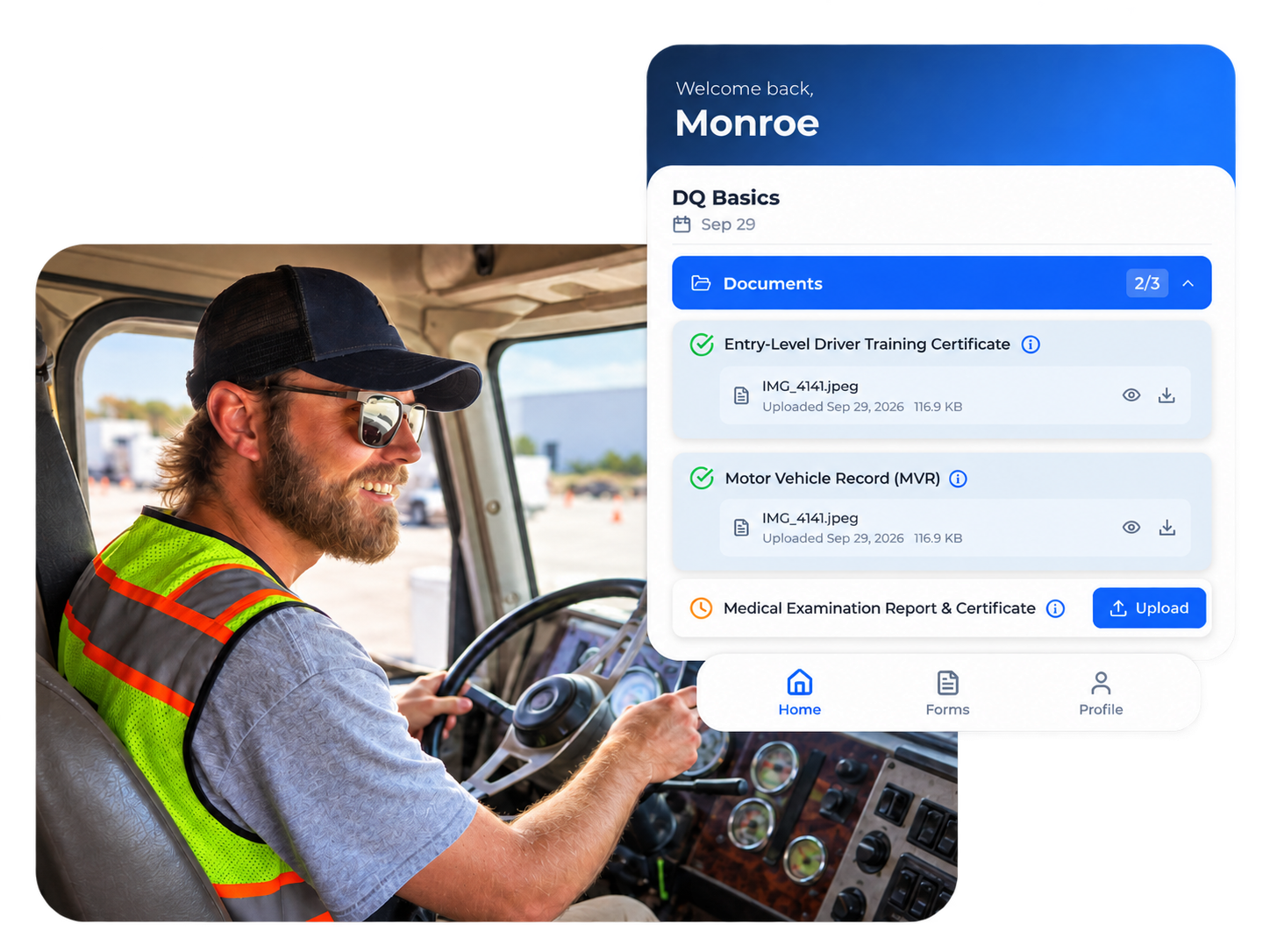
One platform for Electronic driver qualification files.
CDL PowerSuite is driver qualification file management software for motor carriers with 1 to 100+ drivers. Replace paper binders and shared drives with one digital driver qualification file per driver, holding every document, signature, and expiration date.
Electronic signatures FMCSA accepts
FMCSA permits electronic records and signatures (49 CFR 390.32), so drivers sign in the app.
Searchable and audit-ready
Pull up any driver's documents in seconds, and export a full file the moment an auditor asks.
One platform for Electronic driver qualification files.
CDL PowerSuite is driver qualification file management software for motor carriers with 1 to 100+ drivers. Replace paper binders and shared drives with one digital driver qualification file per driver, holding every document, signature, and expiration date.
Digital DQ Files
DQ file management with expiration alerts
Good DQ file management comes down to catching dates before they pass. CDL PowerSuite's driver qualification management watches every deadline in every file and tells you before it lapses, not after an auditor finds it.
Medical card expirations
Warnings well ahead of the date, so drivers renew before they're off the road.
Annual MVR reviews
A reminder for each driver's yearly MVR inquiry and the signed review that goes with it.
Clearinghouse query reminders
A nudge when each driver's annual Clearinghouse query comes due.
DOT Compliant
Audit-ready DOT driver qualification file management
DOT driver qualification file management is only as good as what you can show an auditor. CDL PowerSuite keeps every file complete and every date current, so an audit is a report you export, not a week of digging.
Ready for a new entrant safety audit
New carriers face a new-entrant safety audit within their first 12 months. Every driver's file is complete before the auditor calls.
Exportable audit reports
Export a report for one driver or the whole fleet, with every document and date in one place.
Retention handled
Files are kept for the length of employment plus 3 years, as §391.51 requires, so nothing gets purged too early.
Side by side Comparison
Driver file management software vs. a DQ service
There are three ways to keep DQ files: paper binders, an outsourced DQ service, or driver file management software. Here's an honest look at each, including when software isn't the right fit.
| DQ File Software | Outsourced DQ Service | Paper Binders | |
|---|---|---|---|
| Store every document §391.51 requires | ✓ | ✓ | ✓ |
| Keep files for employment plus 3 years | ✓ | ✓ | ✓ |
| Track every driver's file status | ✓ | ✓ | — |
| Alerts before medical cards expire | ✓ | ✓ | — |
| Annual MVR review reminders | ✓ | ✓ | — |
| Flag missing documents | ✓ | ✓ | — |
| Export audit reports on demand | ✓ | — | — |
| Flat monthly price, no per-driver fees | ✓ | — | ✓ |
| Order MVRs without leaving the platform | ✓ | — | — |
| Drivers upload documents from their phone | ✓ | — | — |
| Drivers sign forms electronically | ✓ | — | — |
| Turn your paper forms into digital forms | ✓ | — | — |
| See every file yourself, on any device | ✓ | — | — |
| Free setup: we digitize your existing files | ✓ | — | — |
| Add driver training and road test evaluations | ✓ | — | — |
Turn paper DQ Files into
Digital DQ files.
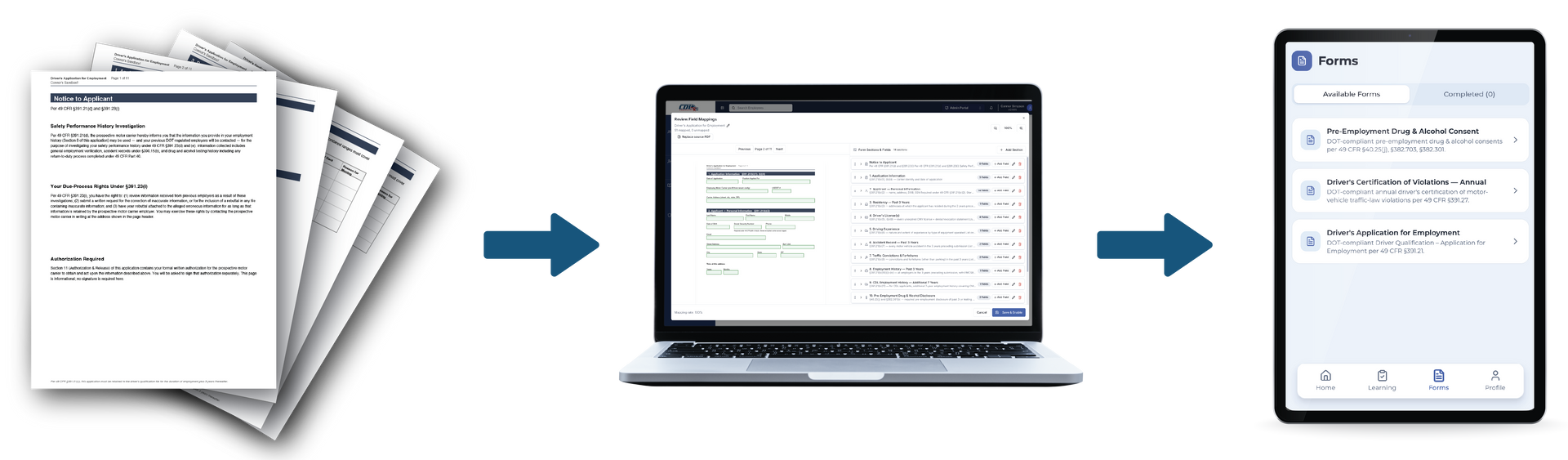
Convert your existing PDF or paper DQ files and documents into smart digital versions. Instead of printing, signing, and scanning, drivers complete your new DQ digital workflow and have everything they need at their fingertips. Your current paperwork doesn't get thrown out; it gets upgraded.
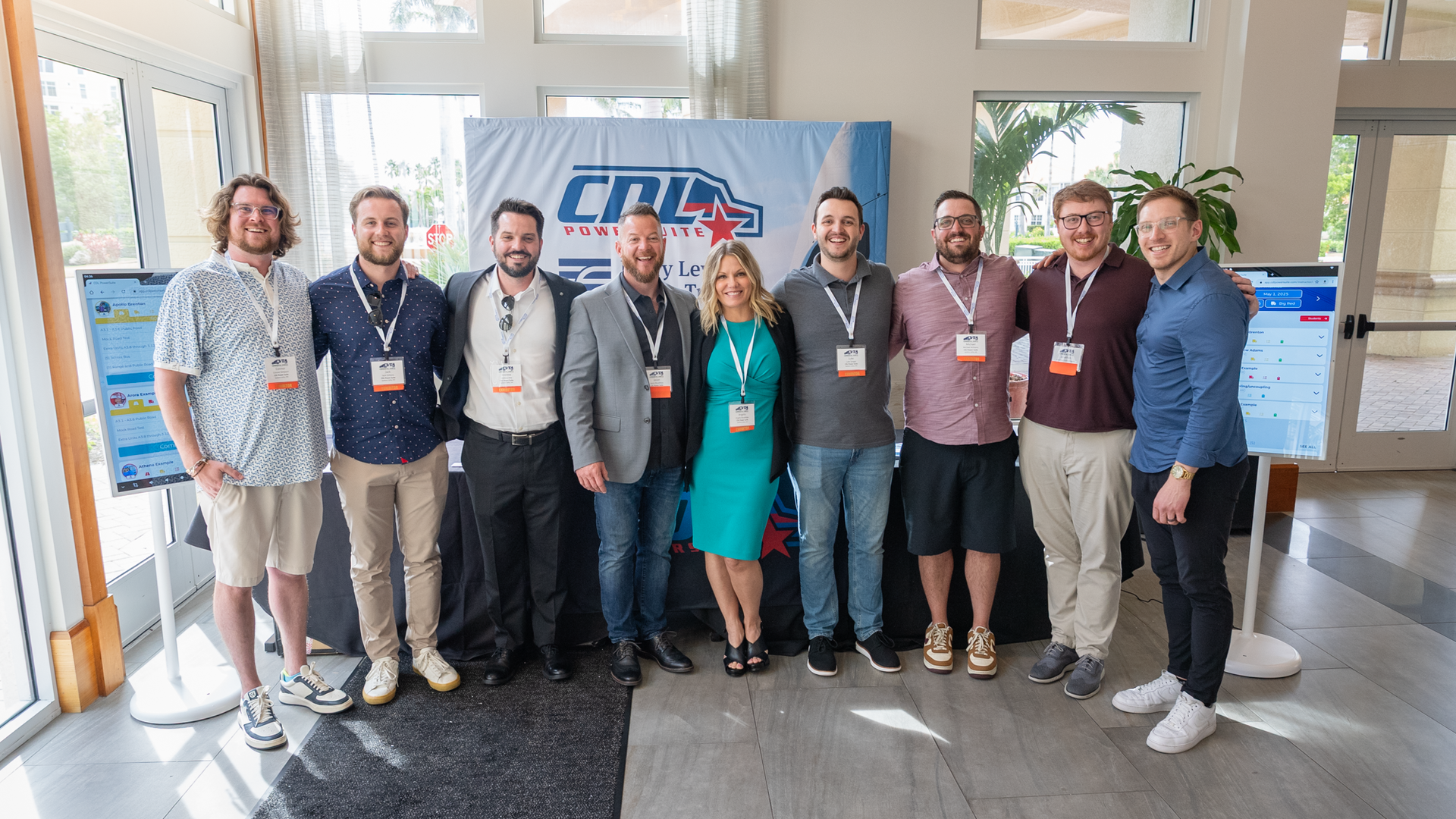
We're not a "set it up and forget it" company. Every PowerSuite partner gets a real team behind them — people who answer the phone, learn your operation, and stay invested in your outcomes long after launch. The relationship is the product.
- US-Based Team
- Hands-on Setup
- Continuous Everyday Support
Start your free trial today
Driver Qualification
Audit-ready DQ files, handled.
month flat
- Complete §391.51 file tracking
- Expiration alerts and audit reports
- Motor Vehicle Record ordering
- Driver self-upload portal
DQ + Driver Proficiency
Continued driver training, documented.
month flat
- Everything in Driver Qualification
- Plus in Proficiency
- Train on anything — onboarding, safety, maneuvers
- Training sign-off, session by session
- Turn existing PDFs into digital training
- Unlimited training for every driver
FAQs
DOT compliance software FAQ
Can driver qualification files be kept electronically?
Yes. FMCSA allows electronic records and electronic signatures under 49 CFR 390.32, as long as the records are accurate, complete, and can be produced when an investigator asks. CDL PowerSuite stores every document digitally, and drivers sign in the system.
What goes in a driver qualification file?
Every DQ file needs the driver's employment application, motor vehicle records, previous employer safety history, road test certificate or equivalent, medical certification, and annual driving record reviews. See the full driver qualification file checklist
How much does driver qualification file management software cost?
CDL PowerSuite uses flat monthly pricing by fleet size. Driver Qualification starts at $15/month for a single driver, and a fleet of up to 40 drivers pays $235/month. The DQ + Driver Proficiency bundle is $555/month for up to 40 drivers. There's no contract and no per-driver billing surprises.
How long do you have to keep DQ files?
Keep a driver's qualification file for as long as they work for you, plus three years after they leave. Certain items, like annual reviews and medical certificates, can be removed three years after they're dated. See the full §391.51 requirements
Do owner-operators and non-CDL drivers need DQ files?
Yes. If you operate under your own authority, you need a DQ file on yourself. And DQ rules apply to drivers of commercial motor vehicles over 10,001 lbs in interstate commerce even when they don't need a CDL. Our Solo plan covers a single driver.
Stop manually tracking Driver Qualification Files.
Start your Digital DQ Workflow today!
See how our team can help you achieve your compliance goals — in a 30-minute walkthrough built around your requirements.